Hot Toys The Joker 2.0 Action Figure dx11
Movie: Batman The Dark Knight
|
|
|
|
|
|
|
|
|
| Action Figure: |
The Joker 2.0 |
| Manufacturer: |
Hot Toys |
| Based on Movie: |
Batman - The Dark Knight |
| Scale: |
1/6 scale ( 12 inch ) |
| Product line: |
Deluxe Series |
| Release Date: |
Q4 2012 |
Hot Toys The Joker 2.0 DX Action Figure features highlight:
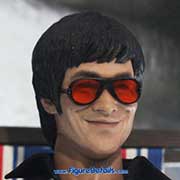
- Fully realized action figure likeness of Heath Ledger as The Joker in The Dark Knight (2008) movie.
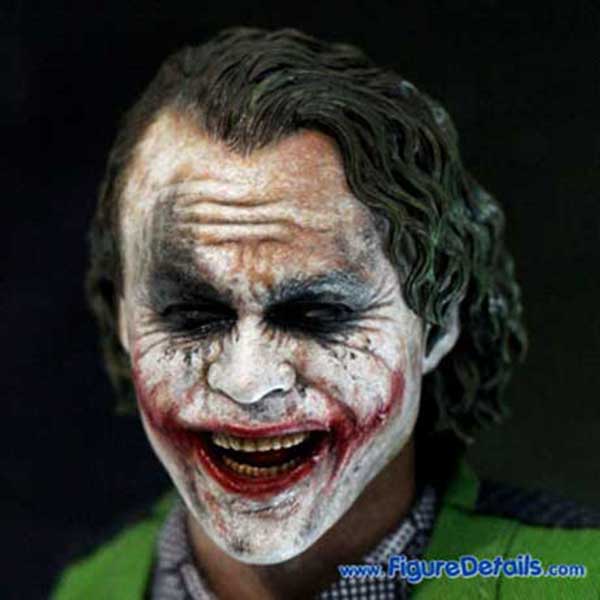
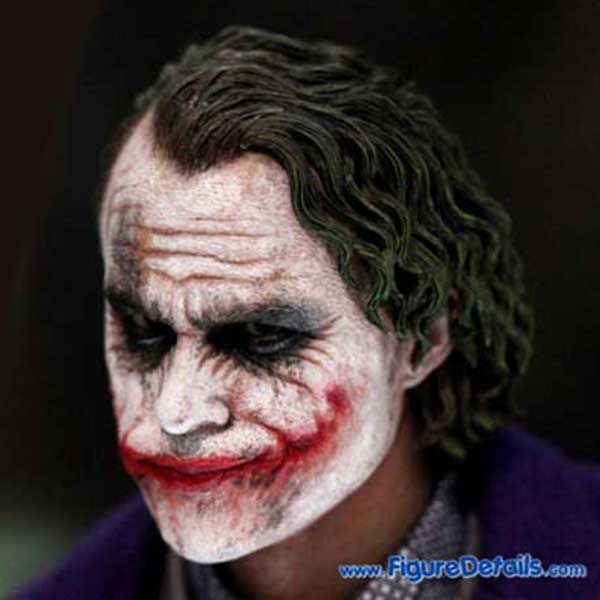
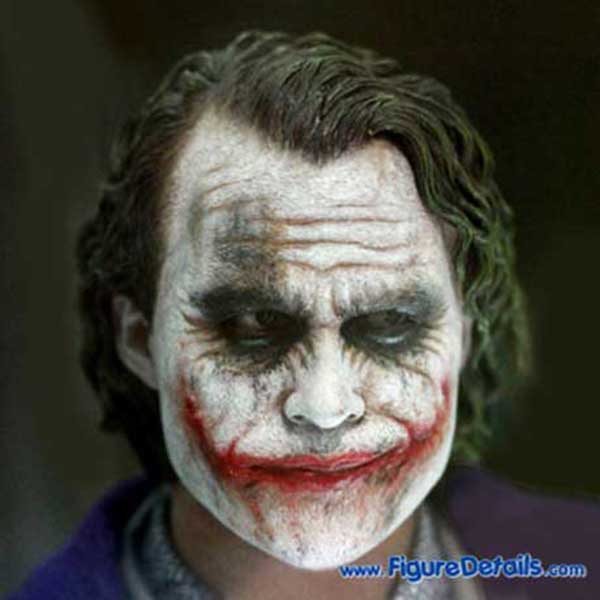
- Two newly developed interchangeable head sculpts, including one smiling face heaed sculpt and one non-smiling face with Parallel Eyeball Rolling System (PERS) head sculpt.
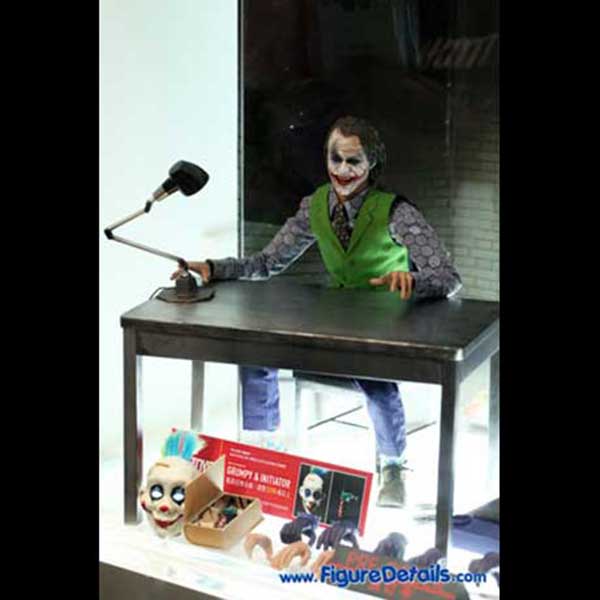
- One metal-like table with lamp, and one chair.
- For Sideshow Exclusive, you got an extra gift:Detonator and Grumpy's Clown Mask
|
|
|
When compare with the Hot Toys Joker DX01, Heath Ledger, this Joker 2.0 comes with two newly developed head sculpts. The non-smiling face built in Parallel Eyeball Rolling System (PERS). For the costume, it seems not much difference when compare with the DX01. Therefore, this time Hot Toys Joker 2.0 comes with a lot of accessories like a machine gun, a metal-like table with lamp, and a chair. For me, I really love the Sideshow Exclusive gift: Grumpy's Clown Mask. This is why I cannot miss this Joker 2.0, even I already have Joker DX01.
|
|
|
Hot Toys The Joker 2.0 DX Action Figure - The Dark Knight |
|
|
|
|
|
|