Home
EN

Hot Toys The Joker Police Version Packing and Close Up - DX01
Movie: The Dark Knight - Batman

Page: 2 of 6
Hot Toys The Joker Police Version Packing and Close Up - DX01
Hot Toys The Joker Police Version Packing and Close Up - DX01 1

Hot Toys The Joker Police Version Packing and Close Up - DX01 2

Hot Toys The Joker Police Version Packing and Close Up - DX01 3

Hot Toys The Joker Police Version Packing and Close Up - DX01 4

Hot Toys The Joker Police Version Packing and Close Up - DX01 5

Hot Toys The Joker Police Version Packing and Close Up - DX01 6

Hot Toys The Joker Police Version Packing and Close Up - DX01 7

Hot Toys The Joker Police Version Packing and Close Up - DX01 8
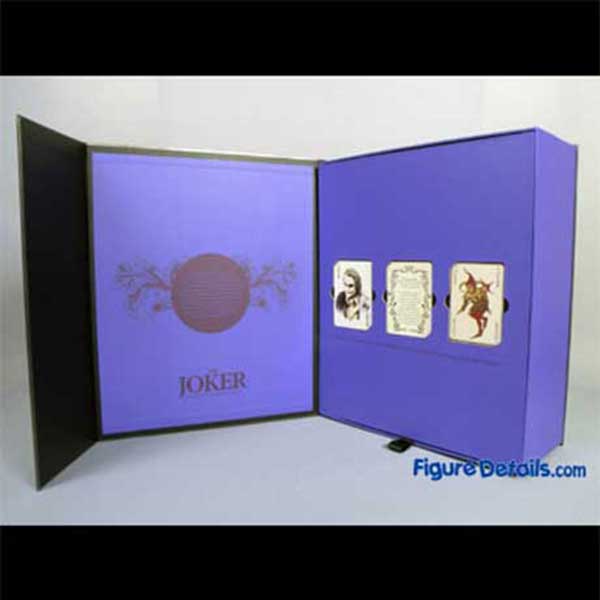
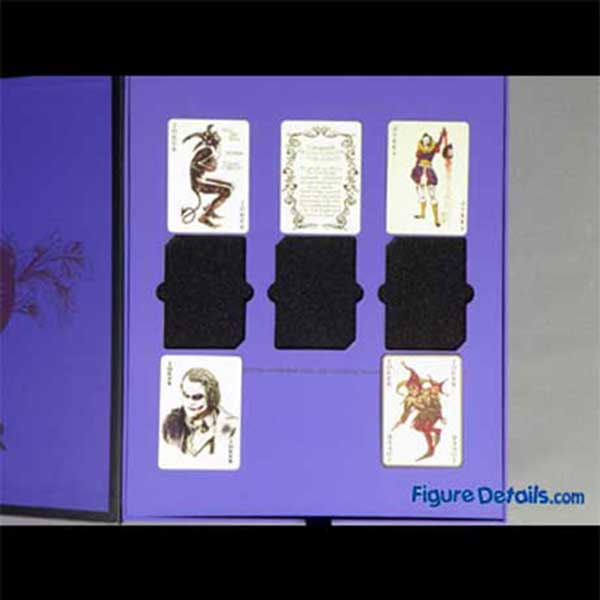
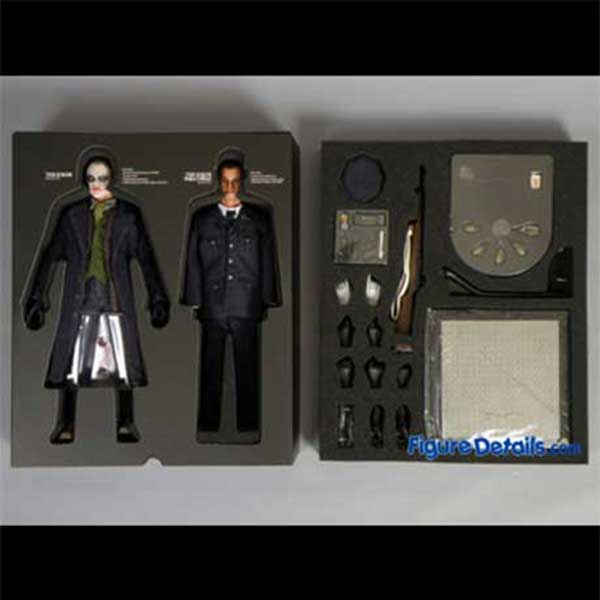
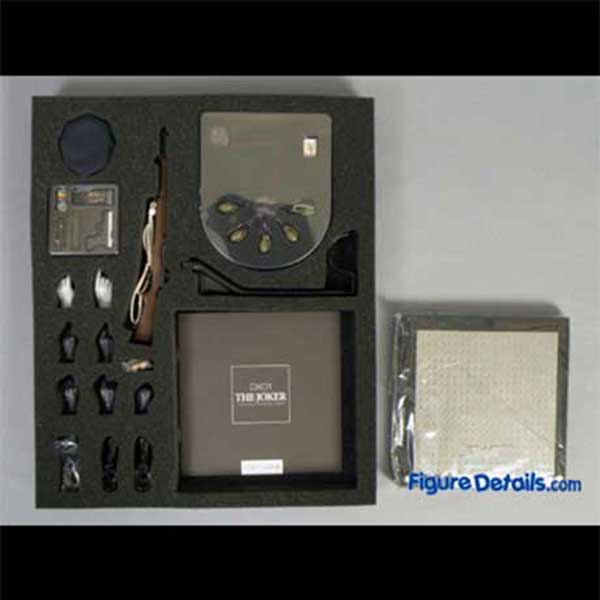
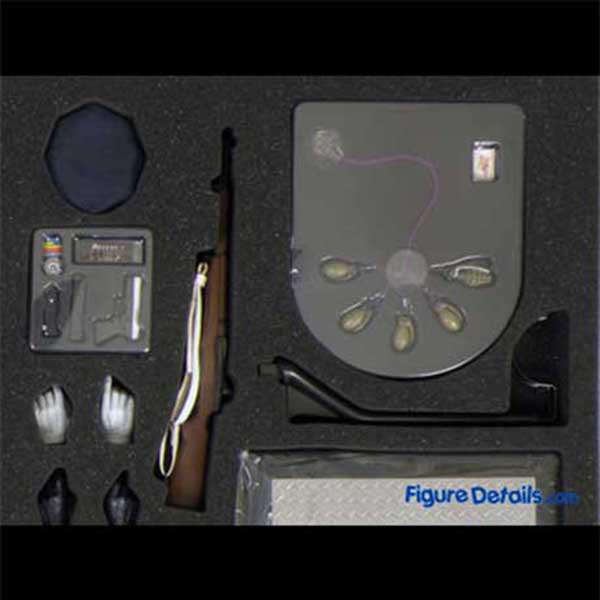
When you open the box, you will find 5 cards. This is just the first layer. The Joker and the Joker Police Officer are in the second layer. Both figures are dressed well inside the box. Of course, only the Joker (makeup one) has an nude body inside. The other accessories such as gun, stand, and alternated hand are in the third layer. Again, you just need to buy an extra nude body, then you have 2 complete figures – the Joker, and the Joker police officer.
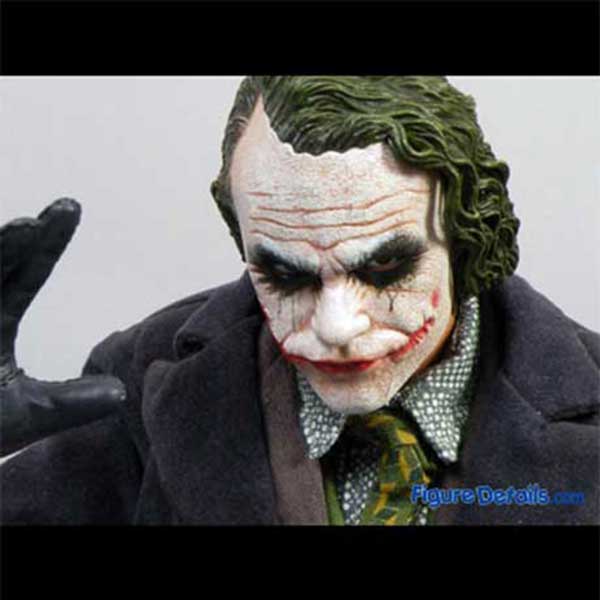
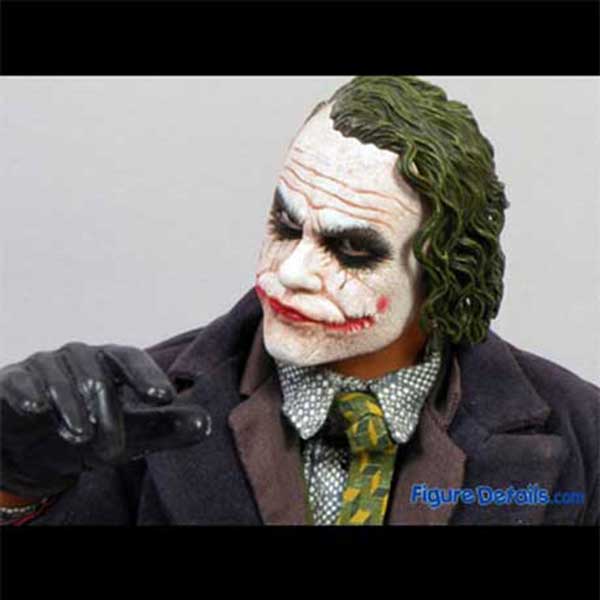
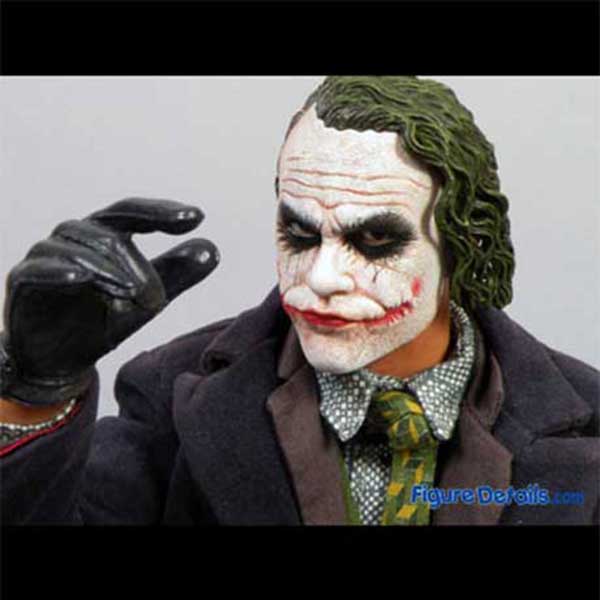
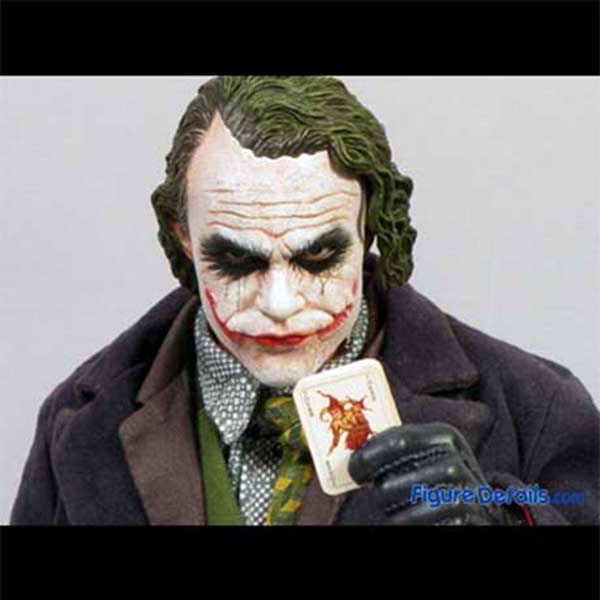
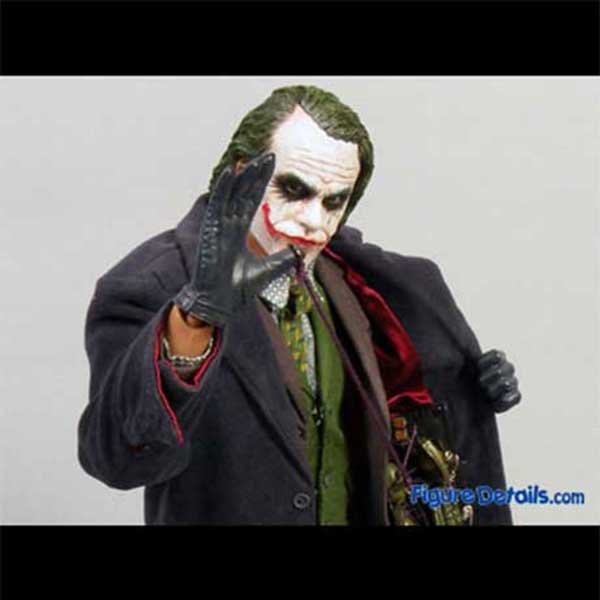
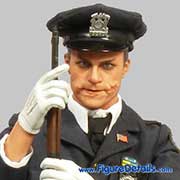
Here I show you some close up of Joker. Since, the position of eye ball can be adjusted, more face expression can be made. Do you reminder what Joker say in the Dark Knight movie. “If you are good on something, never do it for free. ... Here is my card. ... Lets not blow.“

Packing of Hot Toys Joker DX01

Packing of Hot Toys Joker DX01
Hot Toys The Joker Police Version Packing and Close Up - DX01 1

Hot Toys The Joker Police Version Packing and Close Up - DX01 2

Hot Toys The Joker Police Version Packing and Close Up - DX01 3

Hot Toys The Joker Police Version Packing and Close Up - DX01 4

Hot Toys The Joker Police Version Packing and Close Up - DX01 5

Hot Toys The Joker Police Version Packing and Close Up - DX01 6
Collections
Want a closer look? Get a full 360-degree look at  The Joker Police Version ! If it's not showing, watch the spinner and give it a sec to load...

- Drag or swipe the image to turn the toy to any angle.
- Click the left or right arrow icons to rotate it your way.
- Click the plus icon (or double-click the image) to zoom in for every detail, or the minus icon to zoom out.

Check out the details of the parts you care about most to get a clear picture of the toy! Hope you’re stoked about this 360-degree look, have a blast!
You may also be interested