Home
EN

Hot Toys The Joker Police Version Close Up - DX01
Movie: The Dark Knight - Batman

Page: 5 of 6
Hot Toys The Joker Police Version Close Up - DX01
Hot Toys The Joker Police Version Close Up - DX01 1

Hot Toys The Joker Police Version Close Up - DX01 2

Hot Toys The Joker Police Version Close Up - DX01 3

Hot Toys The Joker Police Version Close Up - DX01 4

Hot Toys The Joker Police Version Close Up - DX01 5

Hot Toys The Joker Police Version Close Up - DX01 6

Hot Toys The Joker Police Version Close Up - DX01 7

Hot Toys The Joker Police Version Close Up - DX01 8

Hot Toys The Joker Police Version Close Up - DX01 9
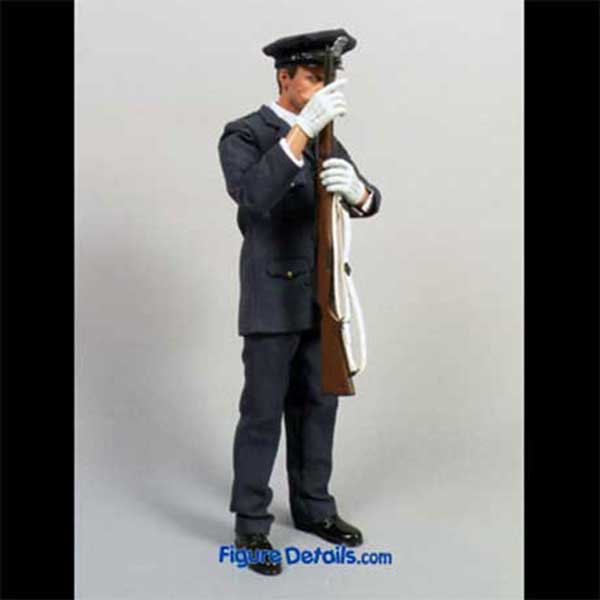
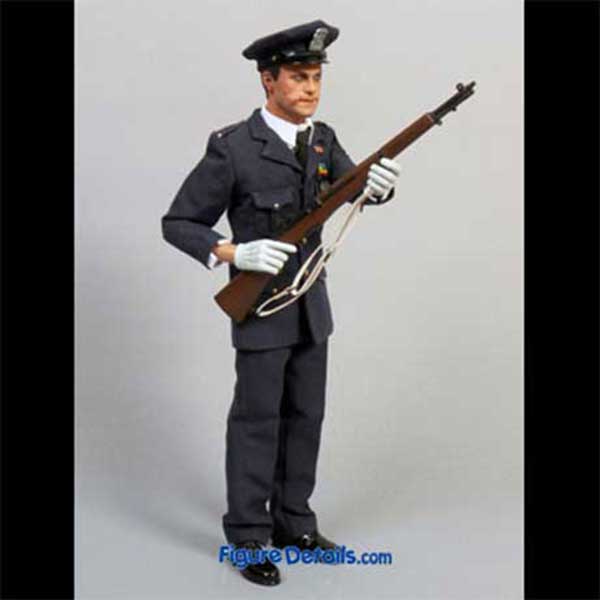
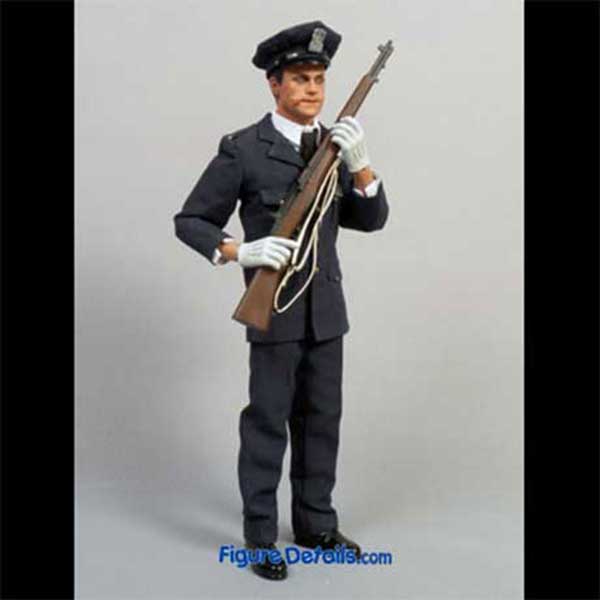
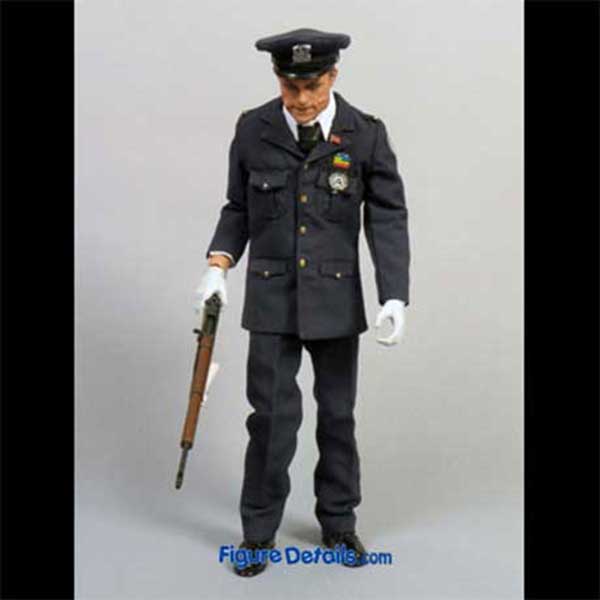
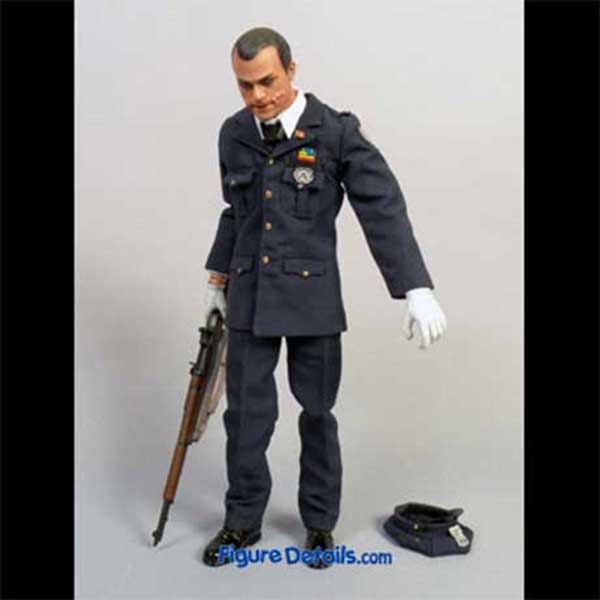
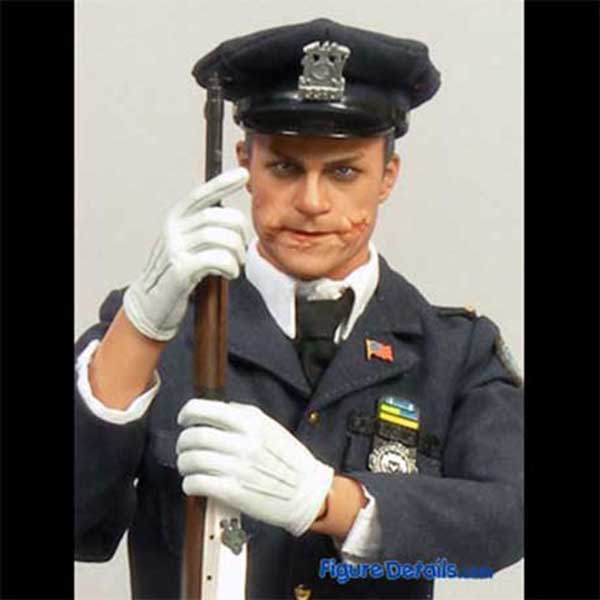
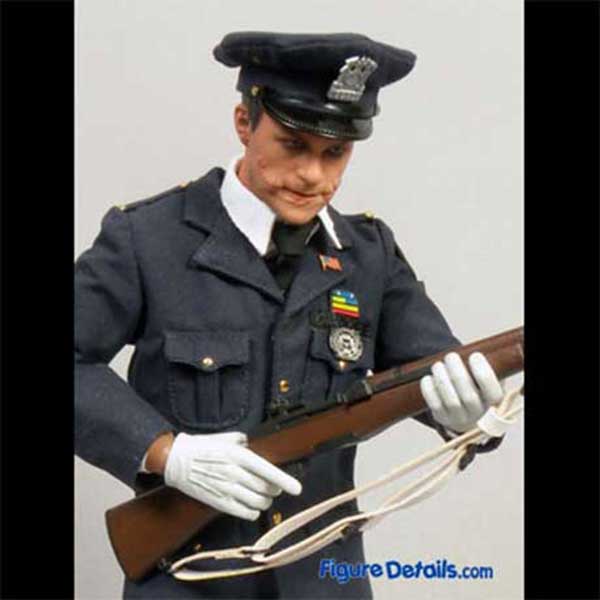
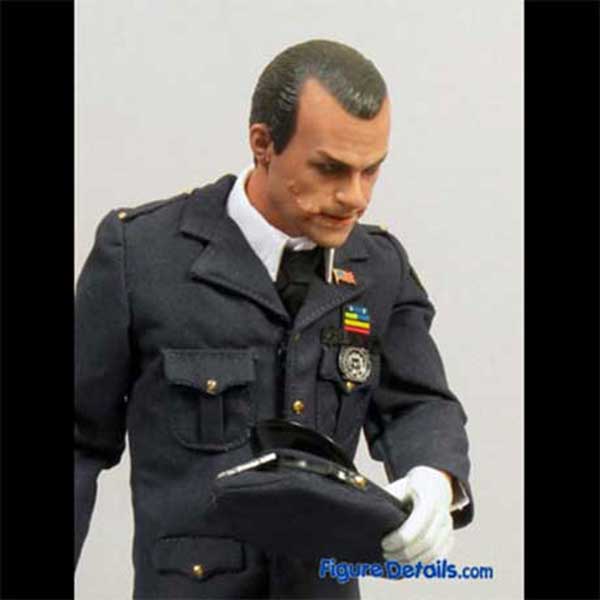
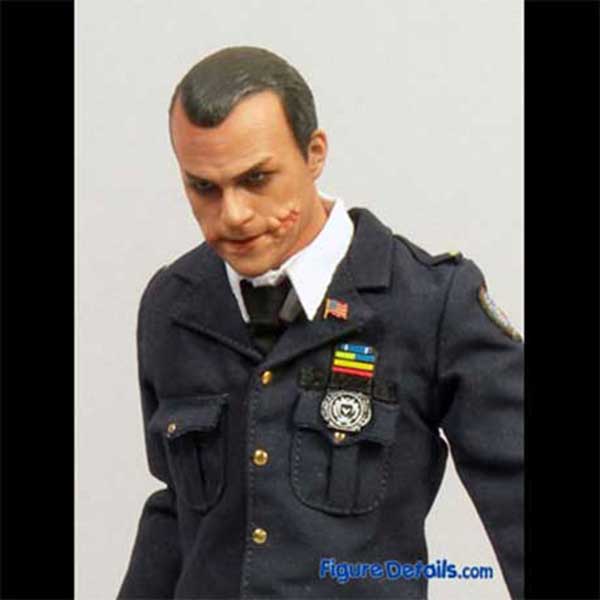
Without this Hot Toys Joker Police version action figure, I nearly forgot Joker was pretended a police in the Dark Knight movie, as Joker police just show up for few seconds in the movie. Here I show you some pictures to remind you how Joker appeared as police in the Dark Knight movie.
Hot Toys Joker police version is one of my favor action figures. You can see the police uniform is highly detailed. You can use this police uniform with other head sculpt, and build your own police team. The head sculpt is also excellent. Even Joker wears police uniform, you still can feel the evil side of Joker.

Joker Police in the Dark Knight Movie

Joker Police in the Dark Knight Movie
Hot Toys The Joker Police Version Close Up - DX01 1

Hot Toys The Joker Police Version Close Up - DX01 2

Hot Toys The Joker Police Version Close Up - DX01 3

Hot Toys The Joker Police Version Close Up - DX01 4

Hot Toys The Joker Police Version Close Up - DX01 5

Hot Toys The Joker Police Version Close Up - DX01 6

Hot Toys The Joker Police Version Close Up - DX01 7

Hot Toys The Joker Police Version Close Up - DX01 8

Hot Toys The Joker Police Version Close Up - DX01 9
Collections
Want a closer look? Get a full 360-degree look at  The Joker Police Version ! If it's not showing, watch the spinner and give it a sec to load...

- Drag or swipe the image to turn the toy to any angle.
- Click the left or right arrow icons to rotate it your way.
- Click the plus icon (or double-click the image) to zoom in for every detail, or the minus icon to zoom out.

Check out the details of the parts you care about most to get a clear picture of the toy! Hope you’re stoked about this 360-degree look, have a blast!
You may also be interested