Home
EN

Medicom Toy RAH R2D2 Action Figure Light Up function Review
Movie: Star Wars Episode 1 2 3 4 5 6

Page: 3 of 3
Medicom Toy RAH R2D2 Action Figure Light Up function Review
Medicom Toy RAH R2D2 Action Figure Light Up function Review 1

Medicom Toy RAH R2D2 Action Figure Light Up function Review 2

Medicom Toy RAH R2D2 Action Figure Light Up function Review 3

Medicom Toy RAH R2D2 Action Figure Light Up function Review 4

Medicom Toy RAH R2D2 Action Figure Light Up function Review 5
Action Figure: Star Wars R2-D2 RAH Action Figure
Manufacturer: Medicom Toy
Based on Movie: Star Wars Episode 1 2 3 4 5 6
Scale: 1:6 scale ( 12 inch )
Product line: Medicom Toy RAH series
Release Date: Aug 2010
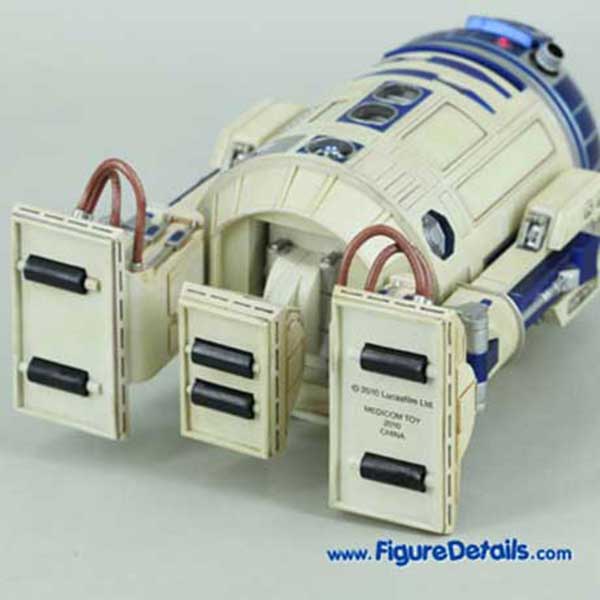
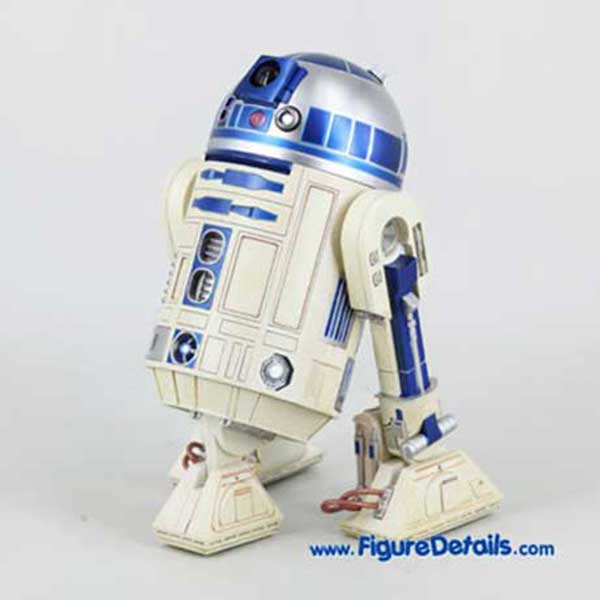
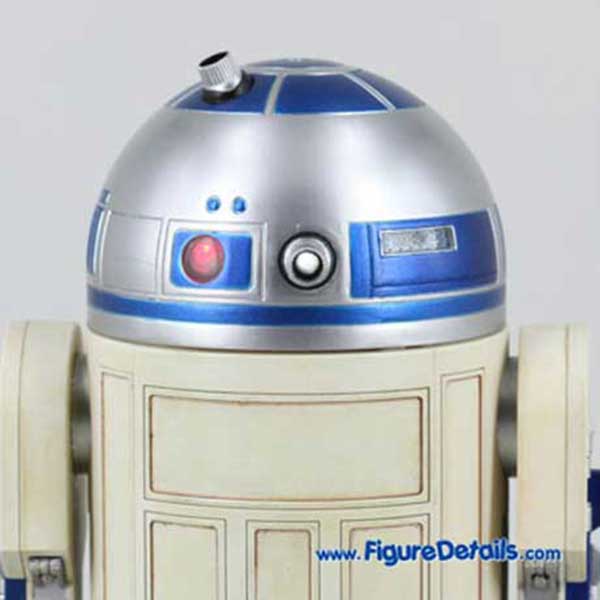
Medicom R2D2 can appear as two legs or three legs. You just need to push the bottom part of R2D2, then the center leg pop up. You can hear a clicking sound when the leg is full pull out and locked. To stand like a tripod, you just need to adjust the angles of the legs, and enjoy the rolling of R2D2.
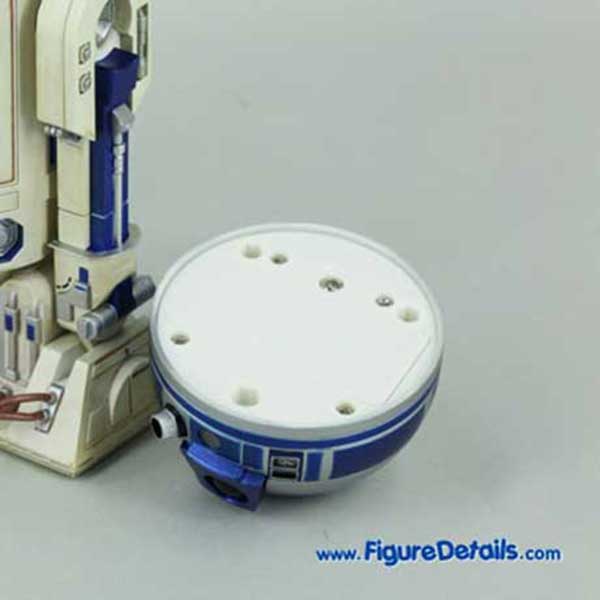
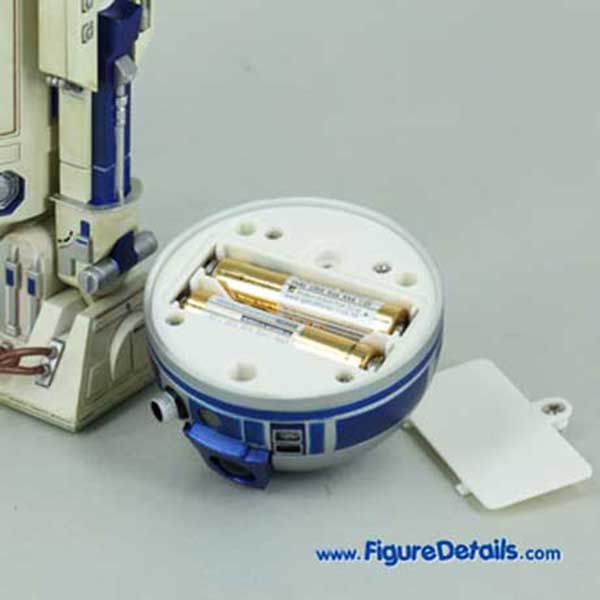
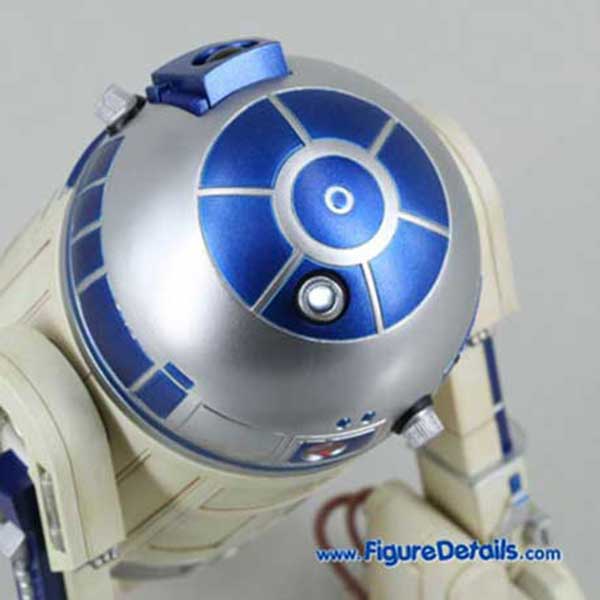
Medicom R2D2 builds in light up feature. The batteries bank is built in the R2D2 head. You just need two AAA batteries, and then you can turn on the R2D2 LED light. Here I show the R2D2 photos after the LEN lights are turned on.

Medicom R2D2 Pop Up Center Leg

Medicom R2D2 Pop Up Center Leg
Medicom Toy RAH R2D2 Action Figure Light Up function Review 1

Medicom Toy RAH R2D2 Action Figure Light Up function Review 2

Medicom Toy RAH R2D2 Action Figure Light Up function Review 3

Medicom Toy RAH R2D2 Action Figure Light Up function Review 4

Medicom Toy RAH R2D2 Action Figure Light Up function Review 5

Medicom Toy RAH R2D2 Action Figure Light Up function Review 6

Medicom Toy RAH R2D2 Action Figure Light Up function Review 7

Medicom Toy RAH R2D2 Action Figure Light Up function Review 8
Collections
Want a closer look? Get a full 360-degree look at   ! If it's not showing, watch the spinner and give it a sec to load...

- Drag or swipe the image to turn the toy to any angle.
- Click the left or right arrow icons to rotate it your way.
- Click the plus icon (or double-click the image) to zoom in for every detail, or the minus icon to zoom out.

Check out the details of the parts you care about most to get a clear picture of the toy! Hope you’re stoked about this 360-degree look, have a blast!
You may also be interested